Motion Graphics Templates
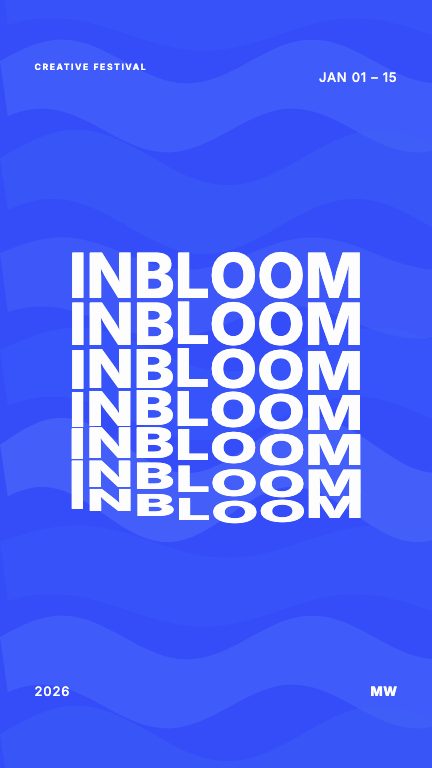
Motion graphics templates are the shortcut that actually holds up: a motion designer makes the hundred small decisions about timing, easing, hierarchy, and sound, and you make the one decision that matters, what the video says. Every template here opens in a live editor where the words, colors, media, and motion settings are yours to change.
Each one exports as a finished video in 9:16, 1:1, and 16:9, with a sound effect already placed on every element. Chain several on the compositor timeline for a full-length video, or let AI Script assemble them from a written brief.

What makes these different from stock template packs?
Stock packs are project files for editing software you still have to learn. These run in the browser: open one, edit the controls, preview live, and export a finished MP4. No After Effects, no plugins, no render farm.
How editable is a template really?
Text, colors, typography, media, motion settings, and duration are exposed as grouped controls, and every element's sound effect can be swapped, re-balanced, or muted. The design system keeps it looking right while you change everything.
Can I combine templates into one longer video?
Yes, that is the compositor: line up template clips on a timeline, edit each clip, and export one finished video. AI Script can also assemble the timeline for you from a brief on paid plans.
More template collections
Text Animation Templates
Designer text animation templates: kinetic typography, bold hooks, and statement type. Edit the words, keep the motion, export in 9:16, 1:1, or 16:9.
YouTube Shorts Templates
Vertical 9:16 templates built for Shorts, Reels, and TikTok: designed hooks, kinetic type, and per-element sound. Edit the text and publish today.
AI Motion Graphics
AI motion graphics done honestly: AI writes your copy and assembles designer-built motion templates into a finished video. You review and edit everything.